Čeština
 English
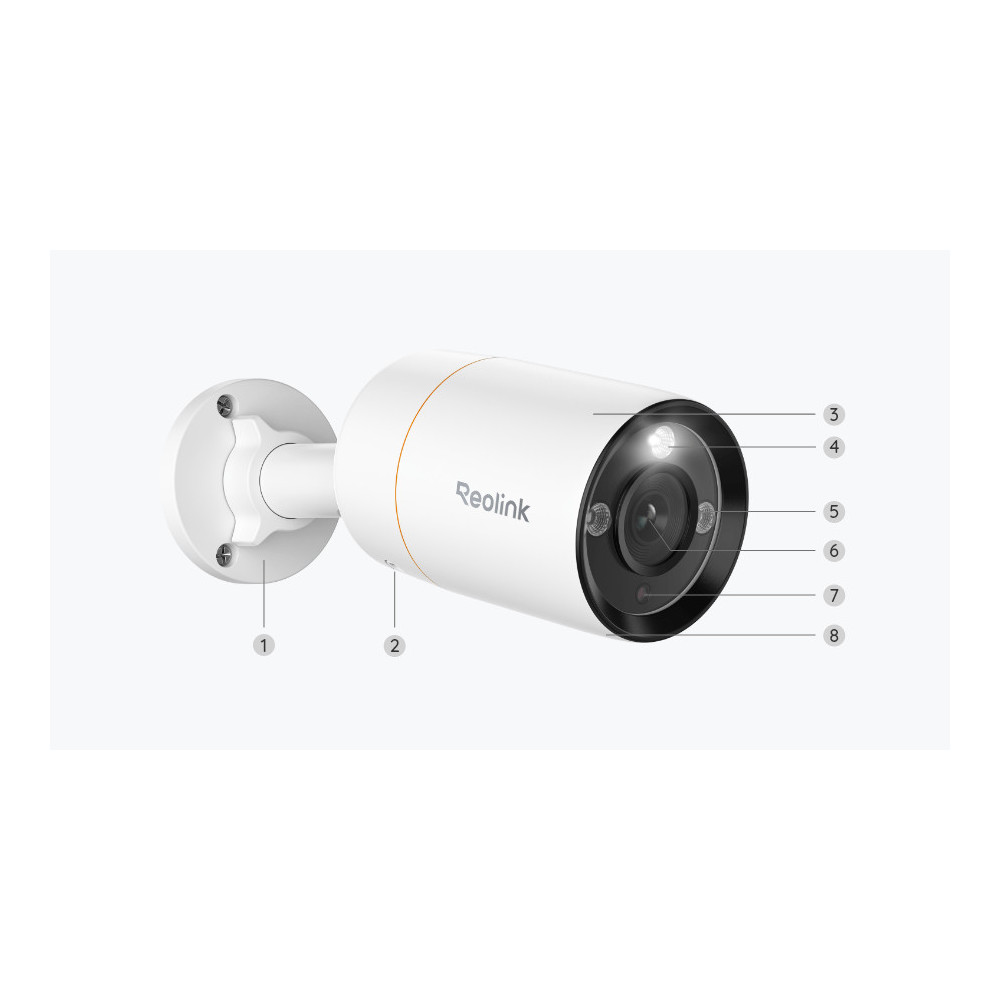


Source summary: Smart 12MP Ultra HD Plug & Play PoE Camera
Meta description: Meet Reolink RLC-1212A, a 12MP PoE security camera with person/vehicle/pet detection, color night vision, motion spotlight, two-way audio, 24/7 recording, and more.
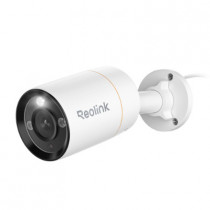
Smart 12MP PoE Spotlight Camera with Color Night Vision
12MP Ultra HD
Person/Vehicle/Pet Alerts
Color Night Vision
Two-Way Audio
When it comes to security, every pixel matters. With 12MP ultra-high resolution, the RLC-1212A captures everything clearly from faces to license plates. Its F1.6 large-aperture lens and built-in spotlights deliver full-color night vision, so you never miss a thing, day or night.
When the camera detects something suspicious, its spotlights and siren will be automatically triggered to deter the intruders. These features can also be controlled manually via Reolink App/Client.
Featuring advanced detection algorithms, this smart camera can detect the movement of people, vehicles and pets and promptly notifies you through app push notifications or emails.
Thanks to the built-in microphone and speaker, you can speak directly to the person in front of the camera. Welcome your visitors or warn uninvited guests anytime, from anywhere.
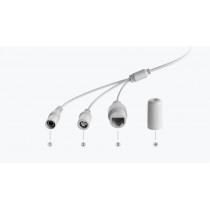
Thanks to Power over Ethernet (PoE) technology, this IP camera can transmit videos and be charged simultaneously via only one network cable. You can install this camera quickly and hassle-free.
With rugged IP67 weatherproof housing, this camera provides reliable performance in harsh weather conditions, including heavy rain, snow, and strong winds.
The time lapse feature condenses long-term events into just seconds, perfect for observing slow processes like sunrises and flower blooming.
Available in selected countries only, it stores all moments that matter and secures your privacy with data protection. .__reo_ubb_tips-container { position: relative; display: inline-block; line-height: 0; font-size: 0; width: min-content; vertical-align: text-top; } .__reo_ubb_tips-trigger { position: relative; display: inline-block; cursor: pointer; vertical-align: text-top; } .__reo_ubb_tips-font-size-18-12{ font-size: 18px; @media (max-width: 999px){ font-size: 12px; } } .__reo_ubb_tips-trigger:hover{ color: var(--b_6); } .__reo_ubb_tips-content { position: fixed; background-color: var(--white); color: var(--font_primary); font-size: 14px; font-weight: 500; line-height: 1.2; text-align: left; padding: 16px; border-radius: 5px; box-shadow: 0 4px 16px 0 rgba(0, 0, 0, 0.26); max-width: 280px; overflow-wrap: break-word; width: max-content; display: none; z-index: 10; } .__reo_ubb_tips-content[data-theme="dark"] { background-color: var(--black8); color: var(--font_primary_dark); }
Save and encrypt your videos in the cloud. You don't need to worry about them being stolen.
You can know what is happening by getting notifications with snapshots. Subscribe to an optional paid plan and maximize your experience.
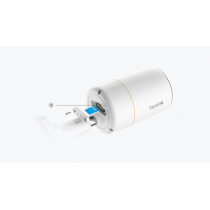
This camera supports 24/7 continuous, motion-triggered, or scheduled recording modes. All the videos can be saved to the microSD card or Reolink NVR. Choose a way you like and enjoy customized security.
Save your motion recordings locally on a microSD card of up to 512GB (not included).
If you want to store videos for a longer time or manage storage of multiple cameras, you can simply connect this camera to a compatible NVR or security camera system.
Stay in the know about any person, vehicle, and animal showing up with instant push notifications.
Check your house, store, or warehouse anytime, from anywhere to see what's going on.
Filter footage by time and event type to quickly find and replay the event clips that matter.
Customize monitoring areas according to your needs. You won't receive alerts from the excluded zones.
View your Reolink camera easily like never before with Google Assistant. Just say "OK Google, show me the backyard", and then you can check what's happening there via your Google Nest Hub or Chromecast-enabled TVs.
This Alexa-enabled camera allows you to control it with the voice. Just ask Alexa to show the video of your camera on the Echo Spot, Echo Show, or Fire TV, and everything is done.
Coming soon
1. Unscrew it (counterclockwise) to loosen the bracket and adjust the camera in any direction.2. After adjustment, twist it back to fix the camera.
How-to Videos
How to Set up & Install the Reolink RLC-1212A
How to Set up the Reolink PoE Camera System (3 Mins)
How to Find Your IP Camera Address & Set up Remote Viewing